AI Model Registry
It’s a central “catalog” of the AI models your can use in Rational AI. You add models once, and use them consistently (chat, agents, tools, workflows, etc.). It also lets you control which models are available, see key info (size, type, updates), and manage changes over time.
Available on any plan
Anyone with can edit access to a file can flatten objects
Deploying Open Source and Fine Tuned models are only available with Pro Plans
Add models
In Rational AI you can add three types of models: Fine-tuned, Open source and Third party.
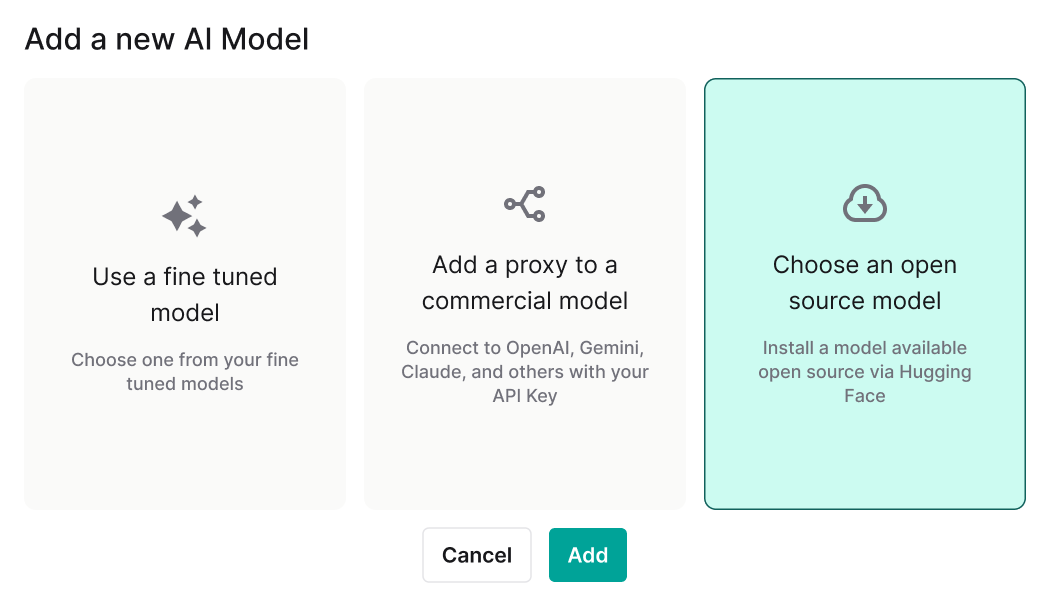
Add a fine-tuned model
- Choose Fine-tuned model
- Pick one from your fine-tuned list
- Review the metadata shown (architecture, parameters, quant/type/size if applicable)
- Click Add
Add an open source model
To add an Open source model
- Choose Open source model from the add model modal
- Search/select the model you want
- Double-check size and quantization (these directly affect RAM/disk + speed/quality)
- Click Add to install
Add a third-party proxy model
-
Choose Proxy to a commercial model
-
Fill in:
- Model name (how it appears in your platform)
- Description (optional but useful)
- Provider
- API key
- Provider model (the exact model you want to call)
-
Click Confirm
-
Save the generated secret key somewhere safe (it’s shown once) and note the endpoint
Manage models
Edit
Use this when you want to rename, update description, or adjust config (especially common for proxy models if you switch provider models or rotate keys).
Delete
Removes the model from availability in the platform. Use this when a model is retired, replaced, or no longer approved.
Cost metering
Enable cost metering (toggle)
Turns cost tracking on/off for the selected model.
On: the model can participate in spend reporting of Goverance module.
Off: the model still works, but Rational is not tracking costs for it.
Cost type
There are two types of cost Fixed monthly ... FIXME